Independence, with parental oversight
The Kid Wing
The Kid Wing is the kids' side of Kerdizo. It's where they pick jobs, chase goals and ask for things. Here's what they see, and what still waits for you.
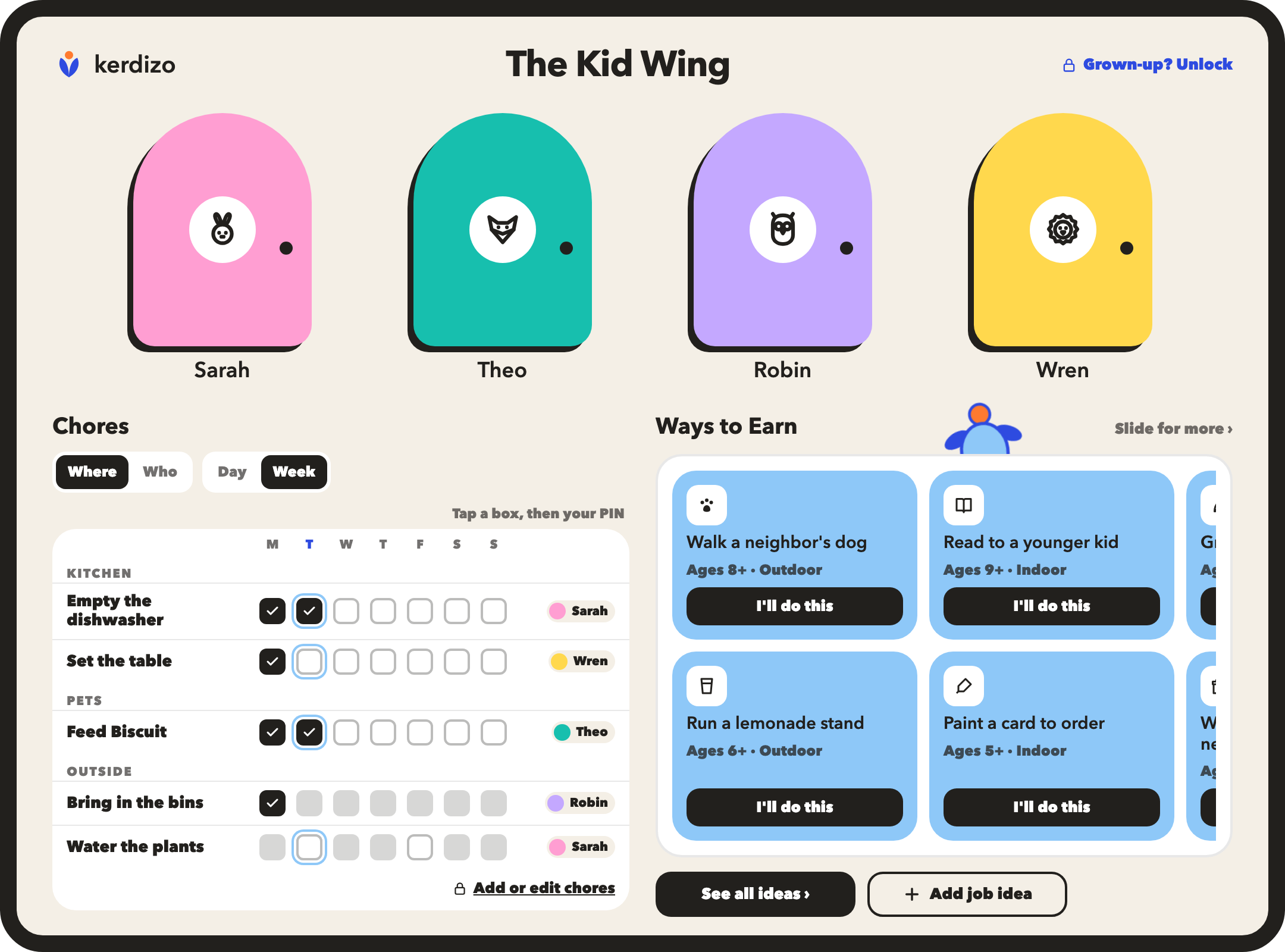
Their own door
Hand them your phone, and their world opens in their color. On a shared tablet, turn on the family home screen: each kid gets a door, and opens it with their own PIN.
Your PIN on the way out
Getting back to Parent Mode takes your grown-up PIN. Nothing else in the Kid Wing reaches your settings. When you unlock, Kerdizo tells you what they did while they had the phone.
Goals front and center
Their wishlist is right there: things they can buy soon, and bigger goals worth saving for. They move their own money into a goal and watch it fill.
Pick a job, or pitch one
They can start any job you've already put on the board. Found one in the library, or dreamed one up? It comes to you, and you decide what it's worth.
“I did it!”
Job finished? They tap I did it. Goal reached? I did it! Got enough for a wish? I'm ready to buy this. Each one lands with you, and nothing moves until you say yes.
Levels and bonuses
They watch each approved job count toward their next level, and their tree grows when they get there. They see the bonuses you've agreed to. Invite them, and they can pick their own, for your yes.
Ready when they are.
We'll email you when your spot opens. Just this, nothing else.